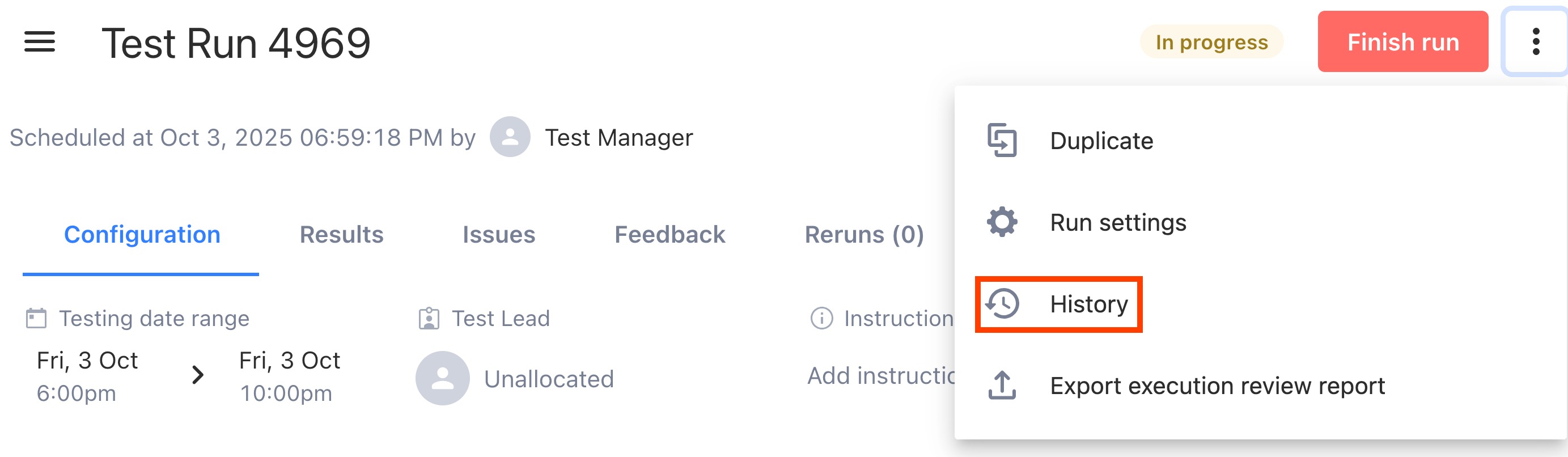
Access the run history when viewing a run by clicking ⋮ > History.
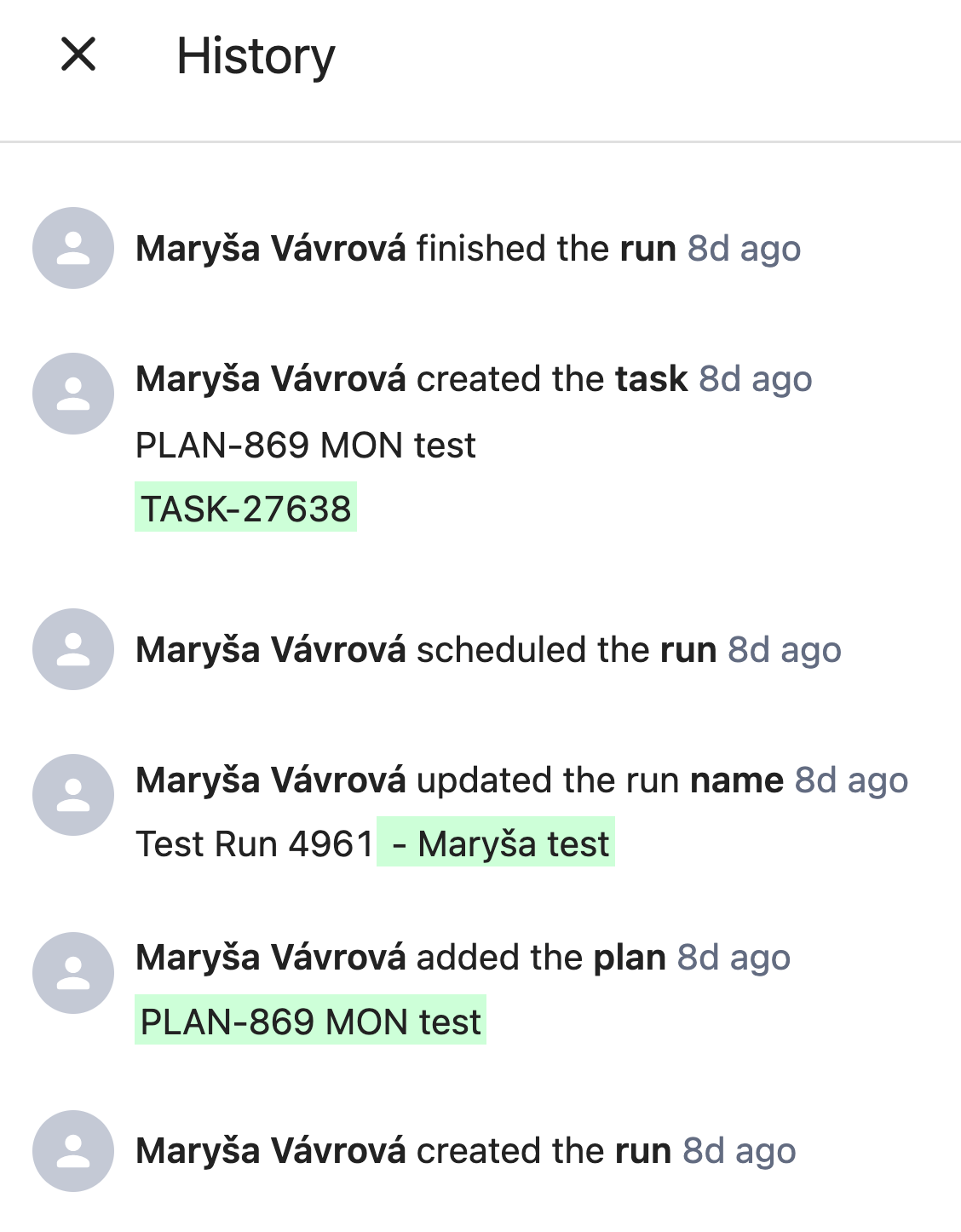
The history contains key events in the run lifecycle.
Captured Events
Run history captures all the key create/edit/remove events of run artifacts as well as run status transitions:
Run creation
Run scheduling
Run finishing
Add plan
Remove plan
Plan synchronizations
Add instructions to testers
Edit instructions to testers
Add testing notes
Edit testing notes
Add device pool
Edit device pool
Add build
Remove build
Edit task
Remove task
Start of Capture
History persists throughout different run statuses, meaning from the creation of the run, regardless of whether or not it has been scheduled.
Was this article helpful?
That’s Great!
Thank you for your feedback
Sorry! We couldn't be helpful
Thank you for your feedback
Feedback sent
We appreciate your effort and will try to fix the article