Overview
Testlio enhances incorporates user reviews and feedback found in app marketplaces into signals to drive testing strategy. This is available for reviews from the Apple App Store and Google Play.
Listing reviews and data update
All applicable data is pulled in and listed once a day. If a workspace has more than one source, all data is shown as one list, sorted by when the reviews were added. You can filter the list by app marketplace.
Data is fetched daily at 5 am CT (US Central Time), which correlates to 13:00 EET (Eastern European Time). Only newly added data is pulled in after the first sync.
Note: The first sync may take up to 24 hours from setting up the source. If you don't see data after this, please contact platform support.
Key features
All reviews ordered by the most recent.
Key information such how many stars, what feedback was given, and which country the review is from (only for iOS App Store reviews), app version affected.
Search – use keywords to search specific reviews matching interested phrases and those are highlighted as search result
Filter – use multiple filters to search and categorize the reviews list to your needs by store, date range, rating, country, and app version.
Make App Reviews your quality signal source to action and create quality user experiences for your users.
Set Up an App Review Source
To create an app review source, you need to be an admin of the given workspace.
To create an app review source , follow these steps:
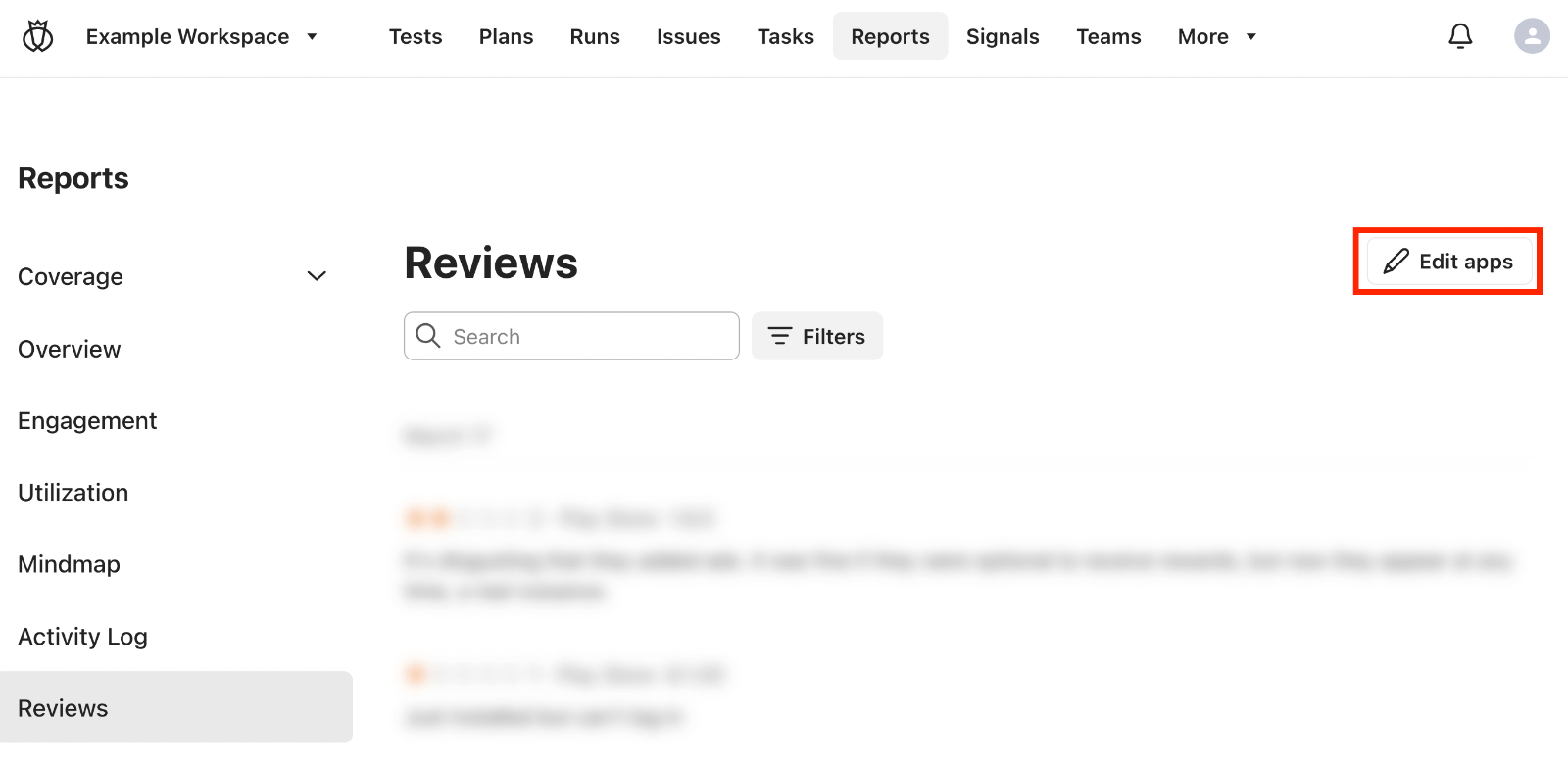
In the workspace where you want to add the source, click Reports → Reviews.
If you have no review sources set up, click Add app.
If you already have a review source set up, click Edit apps → Add app.
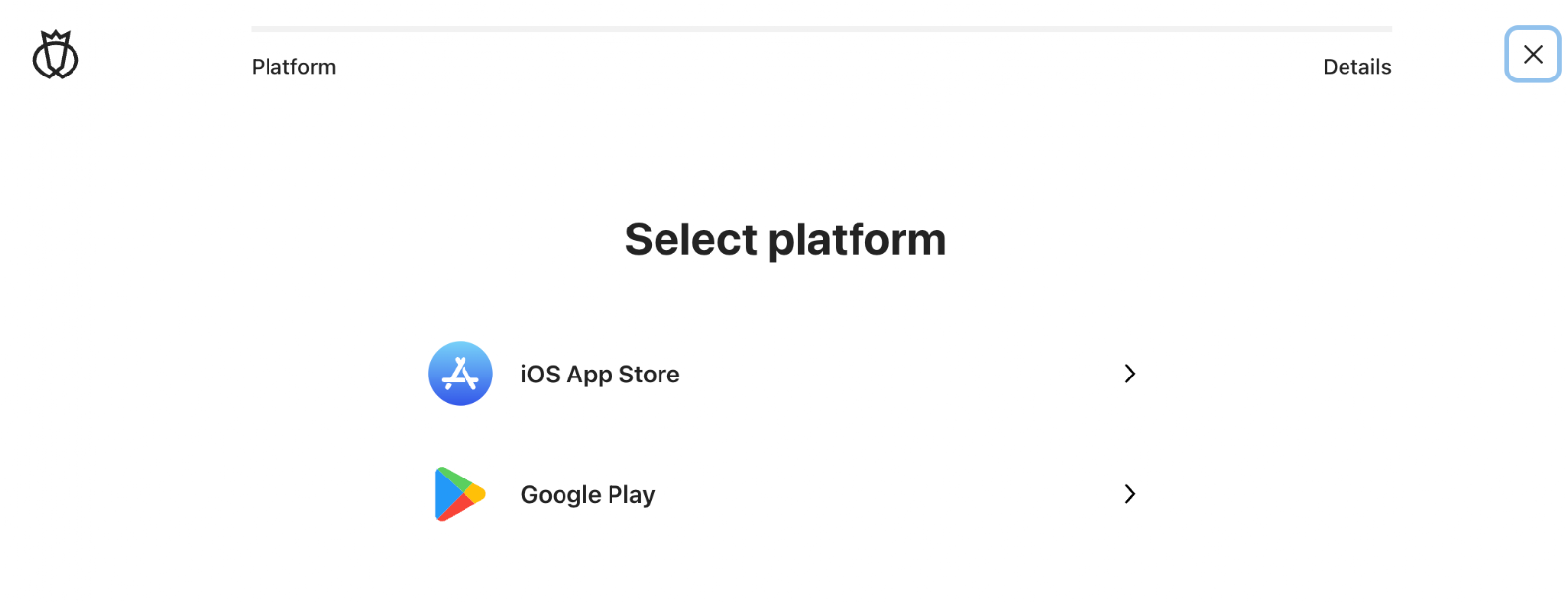
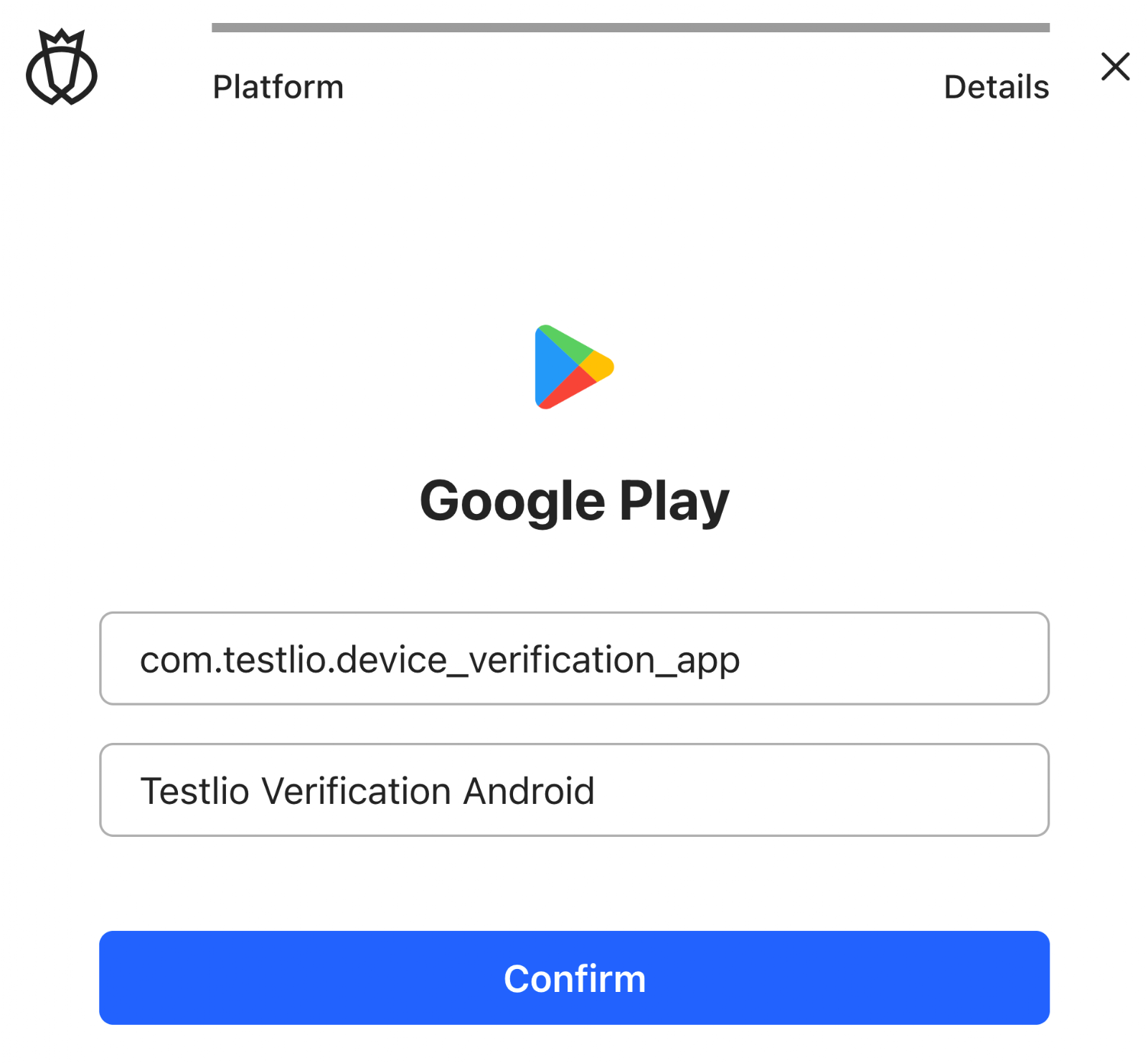
Select the app marketplace to use as the source.
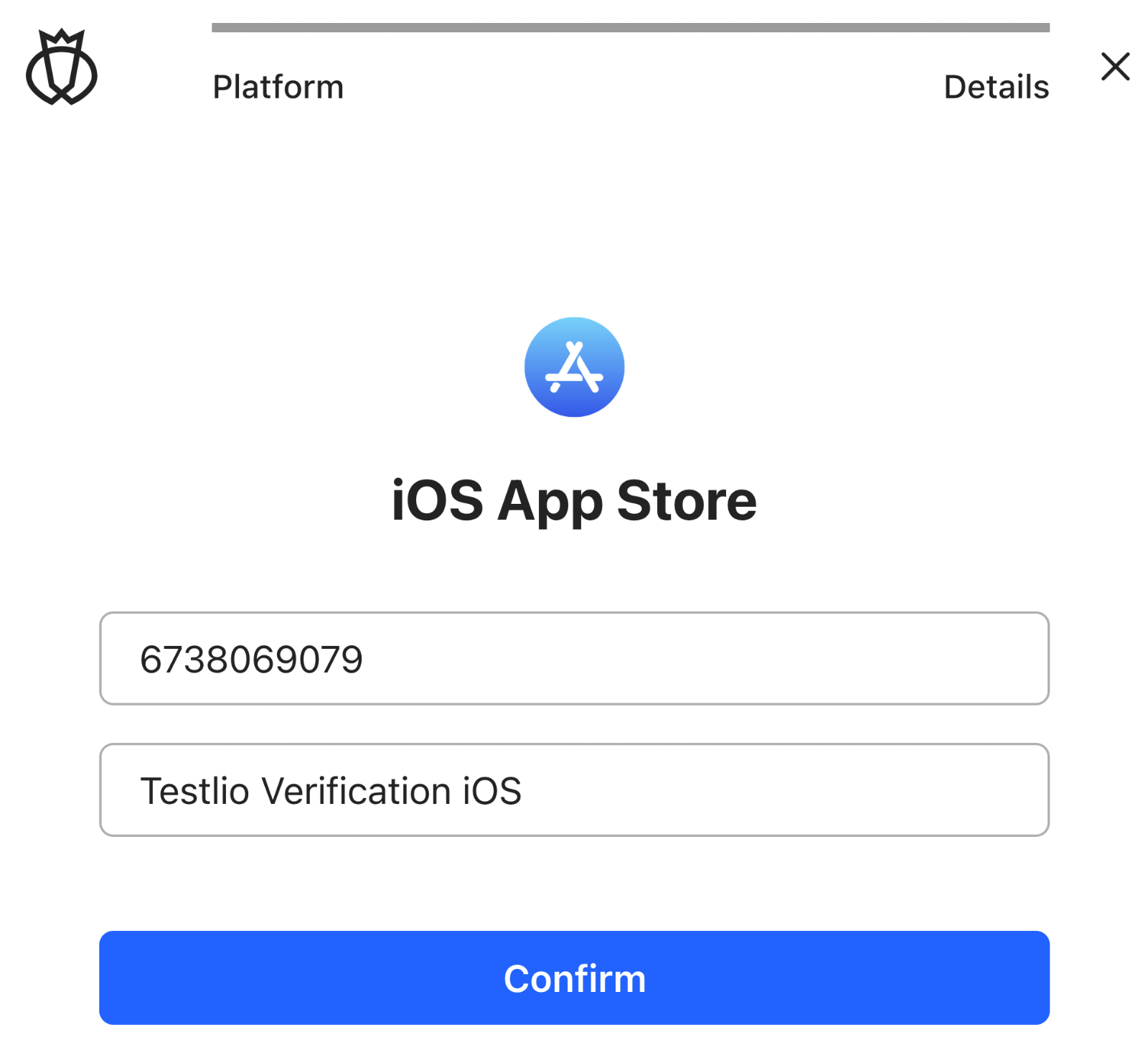
Enter the App ID and App name.
Get an iOS App Store ID
Get the Apple App Store URL. Example URL:
https://apps.apple.com/us/app/testlio-verification/id6738069079The URL contains the app ID. In the example, it is
6738069079
Do not include "id" as part of the ID, only the number.Add the ID and a name that offers context, such as Testlio Verification iOS in this example.
Get a Google Play ID
Get the Google Play URL. Example URL for Testlio Chat:
https://play.google.com/store/apps/details?id=com.testlio.device_verification_appThe URL contains the app ID. In the example, it is
com.testlio.device_verification_app
Do not include "id" or anything like "&hl=en&gl=US" as part of the ID.Add the ID and a name that offers context, such as Testlio Verification Android in this example.
Click Confirm.

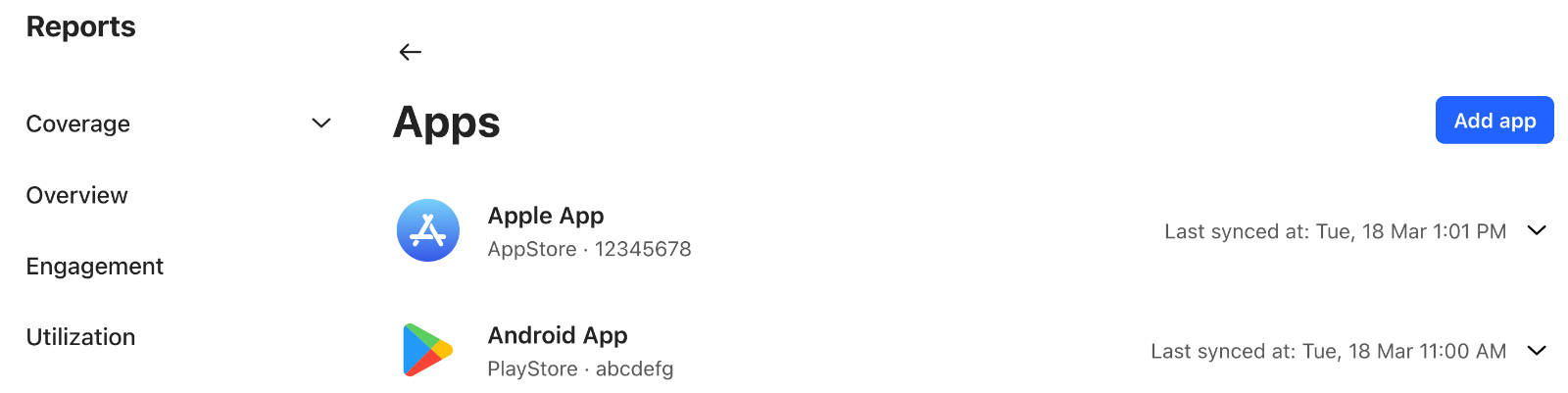
Now you have a source to get app reviews. The first sync may take up to 24 hours. You can find the sources in the list of reviews sources.
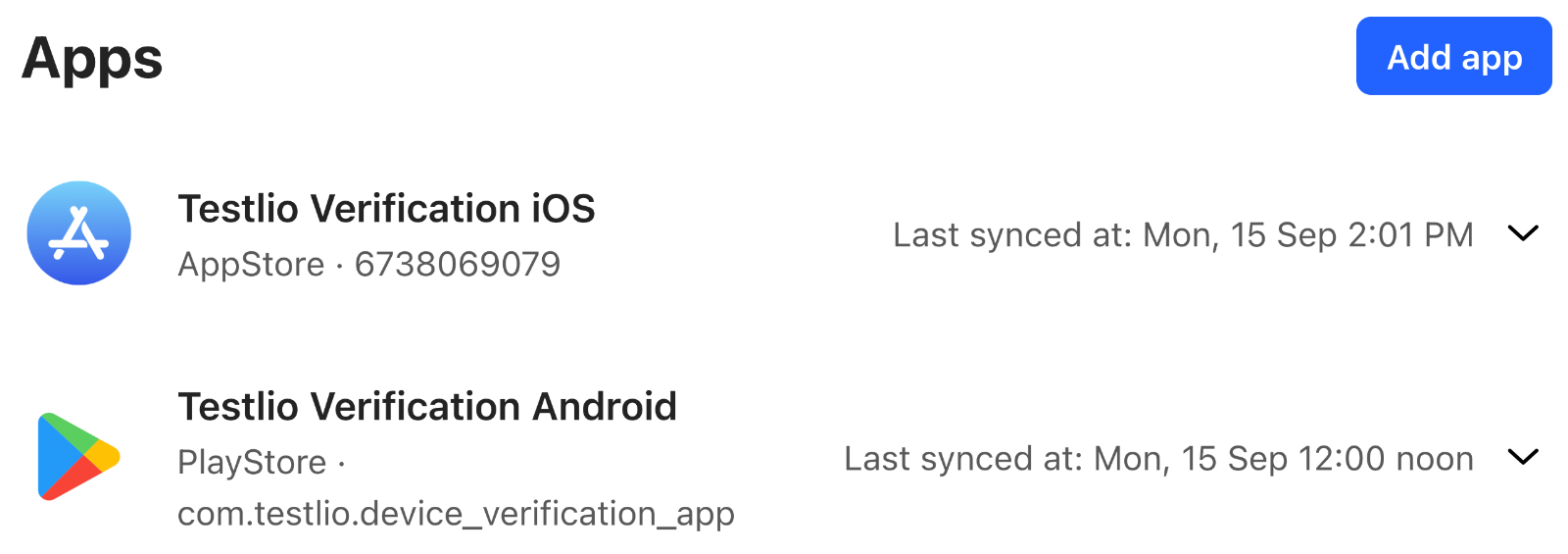
If you made a mistake when setting up the source, delete it and create a new one.
Was this article helpful?
That’s Great!
Thank you for your feedback
Sorry! We couldn't be helpful
Thank you for your feedback
Feedback sent
We appreciate your effort and will try to fix the article