Downloading builds to your phone is an essential skill to be a tester on the Testlio platform. Below we will show you how to download .ipa files to your iOS device using a Mac. As a tester, you are testing builds that are not publicly released yet.
The following guideline is a requirement for our freelancers. Failure to follow the guideline might represent a breach of the Freelancer Services Agreement.
Builds (including access links and metadata) are confidential information and you must not disclose them to any third party.
You can install .ipa files on your iOS and iPadOS devices using the following steps:
1. From your mac device, open this link.
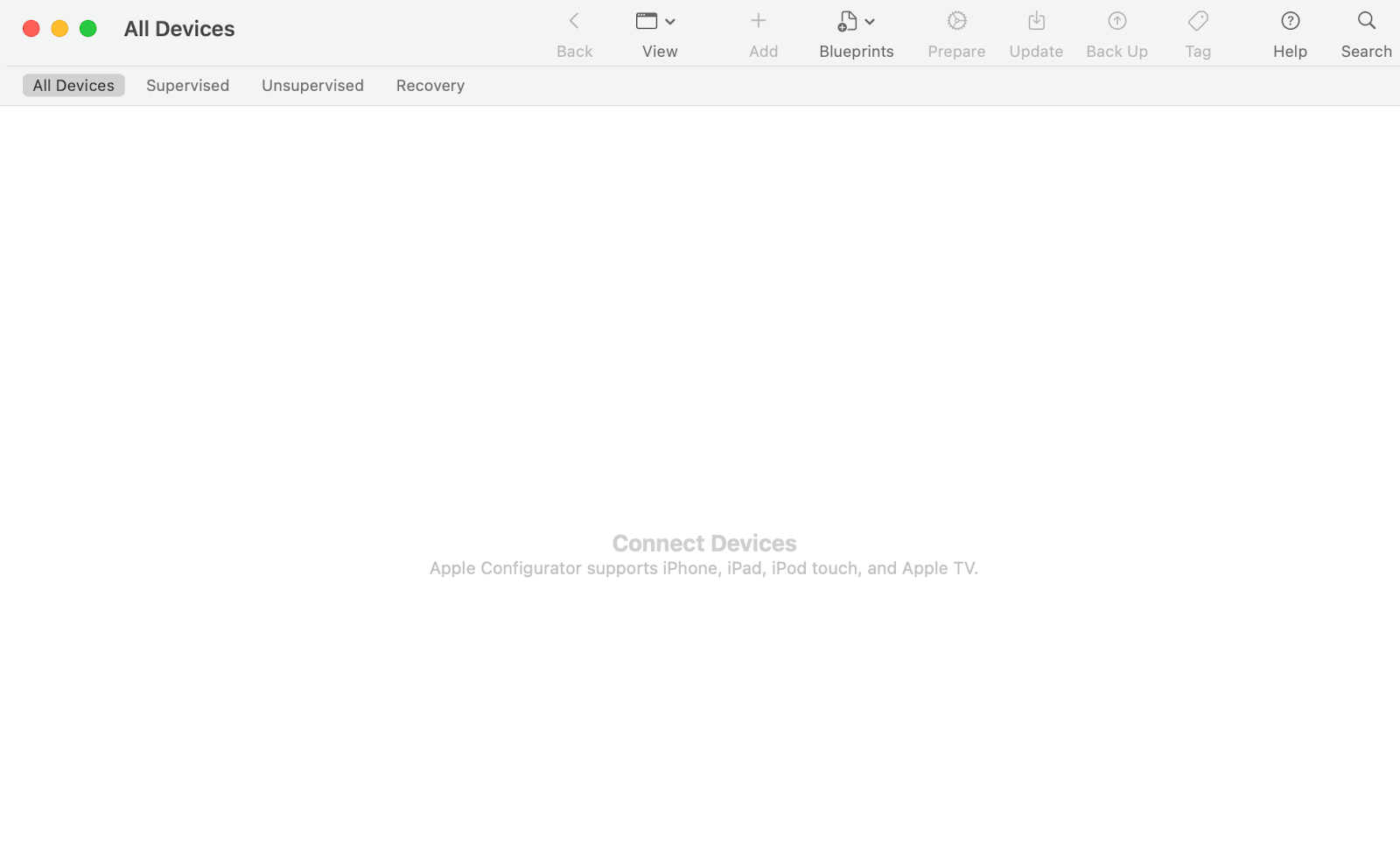
2. Download and open the Apple Configurator app, and the following screen will appear:
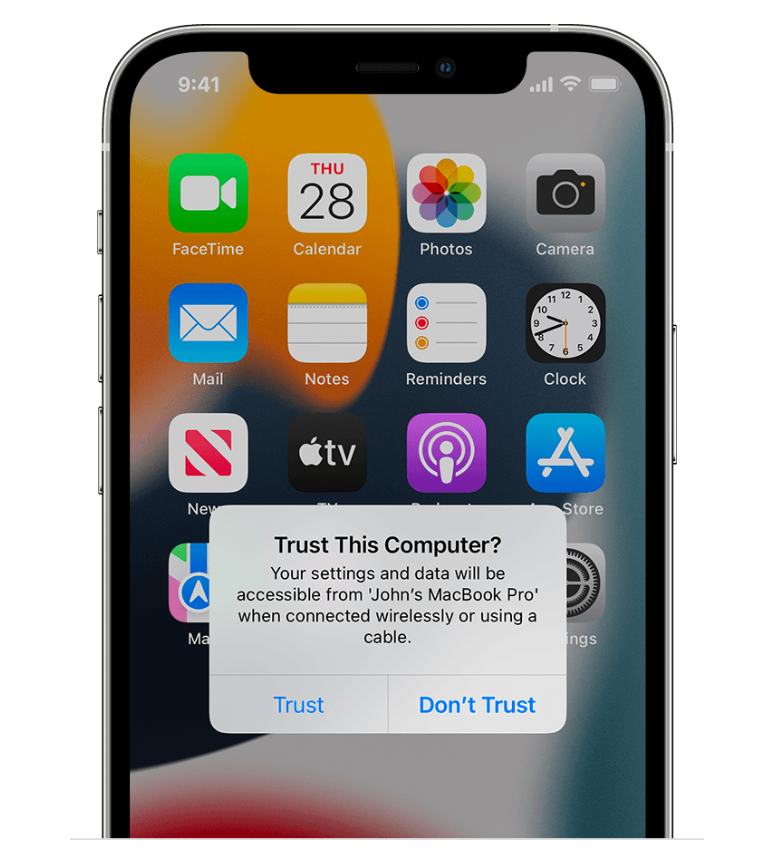
4. Connect your iOS device to the mac via USB, and a pop-up notification will appear. Tap on the trust button.
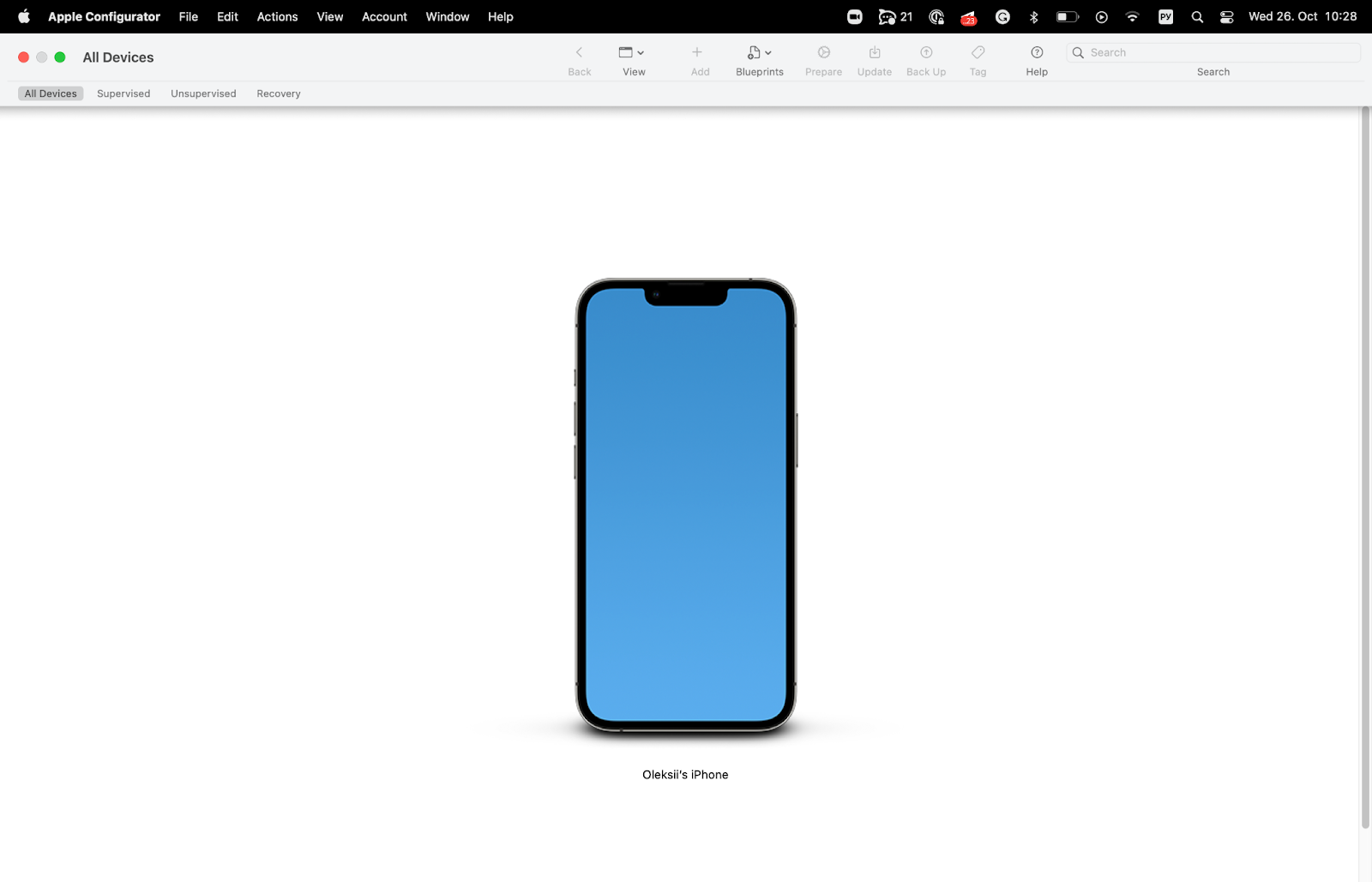
5. Your iOS device should now appear in the Apple Configurator.
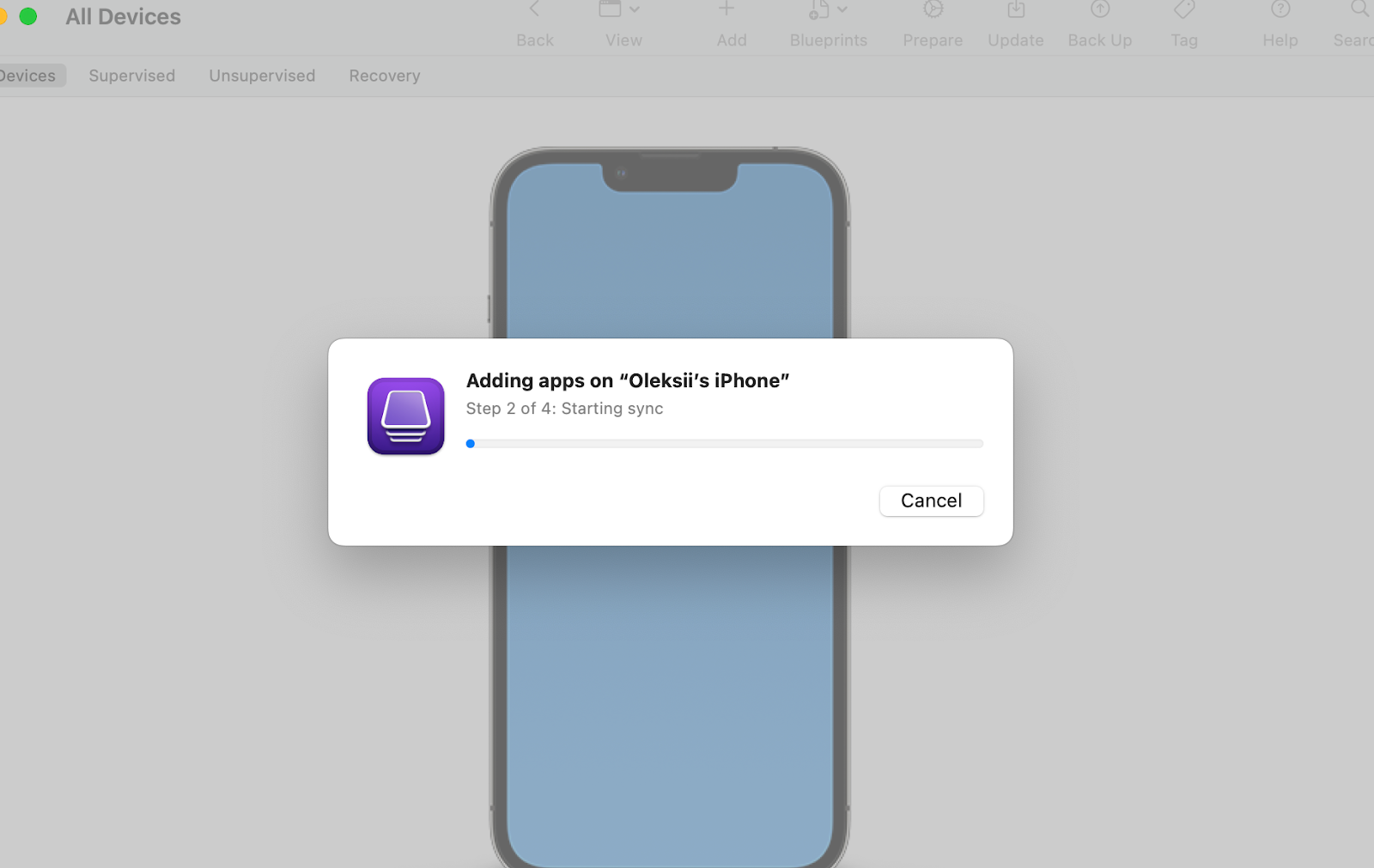
6. Drag and drop the .ipa file directly into the Apple Configurator window and wait for the installation to be completed.
7. Once the above has been completed, the app should appear on your home screen.
#TestlioBot
Was this article helpful?
That’s Great!
Thank you for your feedback
Sorry! We couldn't be helpful
Thank you for your feedback
Feedback sent
We appreciate your effort and will try to fix the article