When executing a test case, you may come across an issue that prevents you from executing multiple steps in the case. In such cases, mark multiple test steps as "Unable to Test" (UTT) and conveniently attach them to the same issue or apply the same reasoning. This saves time and effort, allowing you to focus on resolving the underlying issues rather than repetitive administrative tasks.
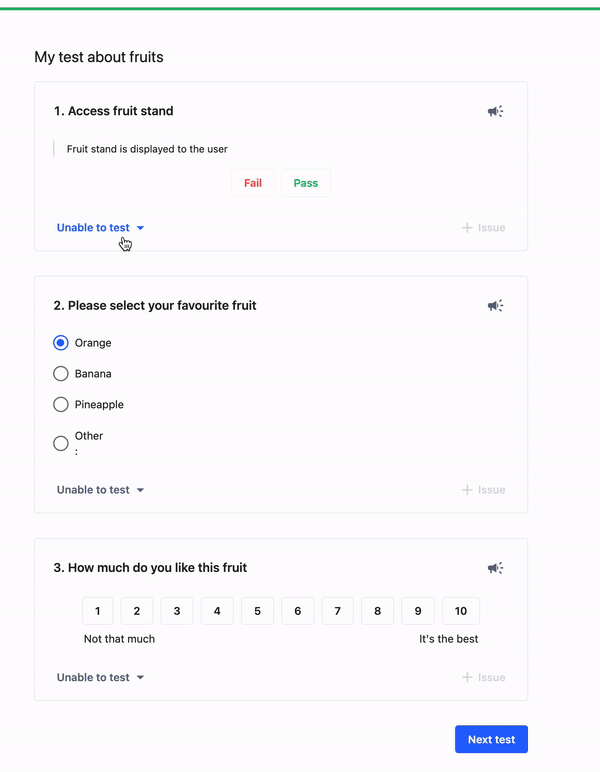
To mark multiple steps at once, follow this procedure
Mark one step as UTT and give the reason or attach the issue.
You are asked whether you want to apply this action to the following test steps. Select either Select All or the specific steps to apply the action to.
Click Yes.
If you then find you can actually test a later step, undo the action by clicking Undo.
#TestlioBot
Was this article helpful?
That’s Great!
Thank you for your feedback
Sorry! We couldn't be helpful
Thank you for your feedback
Feedback sent
We appreciate your effort and will try to fix the article