To become eligible to test the Uber Driver app, you need to complete two steps:
Send proof of your Uber Driver account by creating a ticket.
Include your Uber Driver email address.
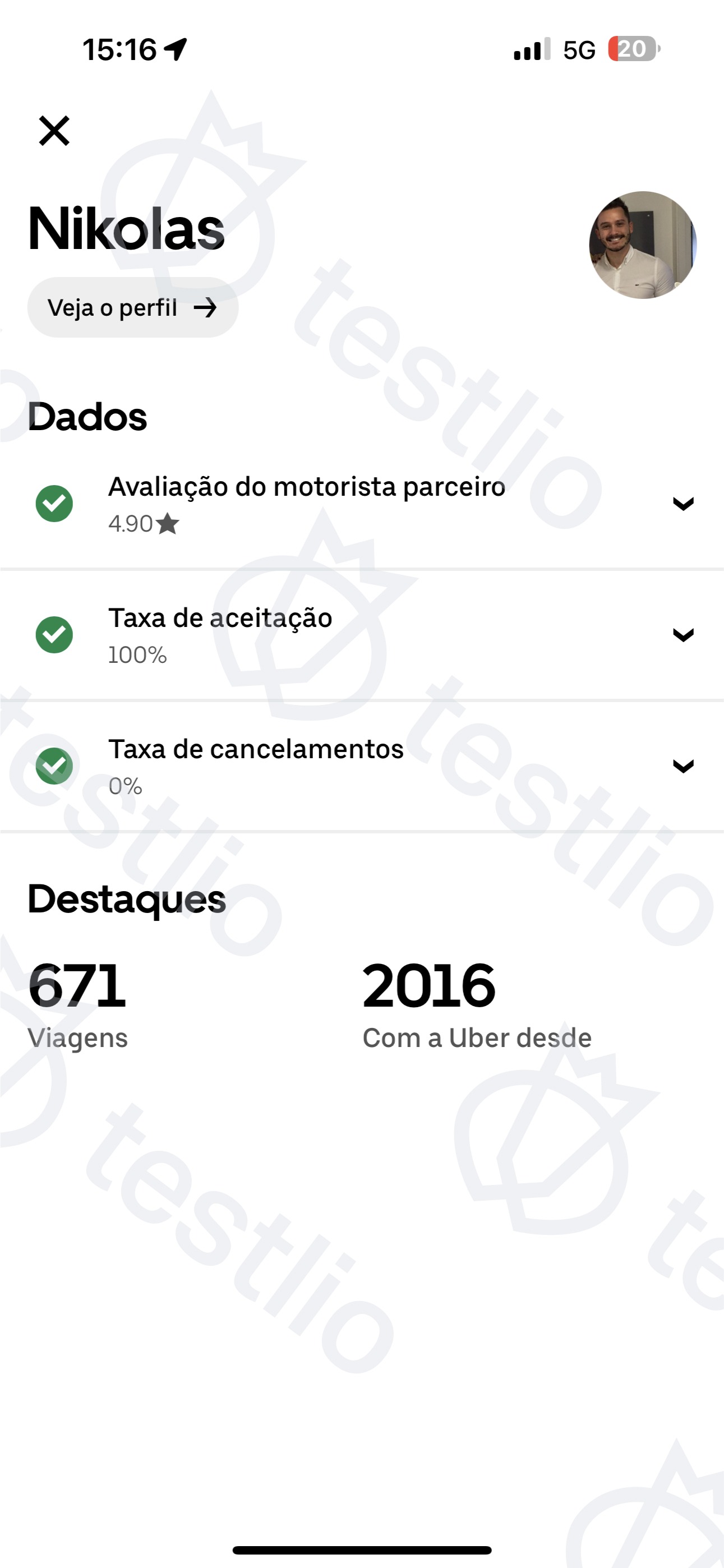
Include a screenshot of your Uber Driver Data view, similar to this image:
After you're added to a project on the Testlio platform (called a workspace), you get an email asking you to verify your ID. The email includes a link for further steps to take. Please keep an eye out for this email (check if it was accidentally marked as spam).
If you're in the United States, the email includes details on how to share a W-9 form.
Was this article helpful?
That’s Great!
Thank you for your feedback
Sorry! We couldn't be helpful
Thank you for your feedback
Feedback sent
We appreciate your effort and will try to fix the article