You can fill out most of the information in your Profile by logging in to the Testlio platform and clicking Profile.
Profiles are filterable and searchable for both Testlio services professionals and clients to better discover and match great freelancers to the right tasks. Please consider that when choosing your profile picture to keep things professional. Also, having another company name in your email address may lower your chances of receiving invitations to workspaces.
Completing all sections of the profile helps you establish trust and confidence.
Your display name should match your official ID. If you need to make changes to your name in the Testlio platform, create a request.
Use the About section to describe your previous professional experience, showcase some of your accomplishments, and highlight your greatest strengths. This is a great way to tell your story and stand out from others.
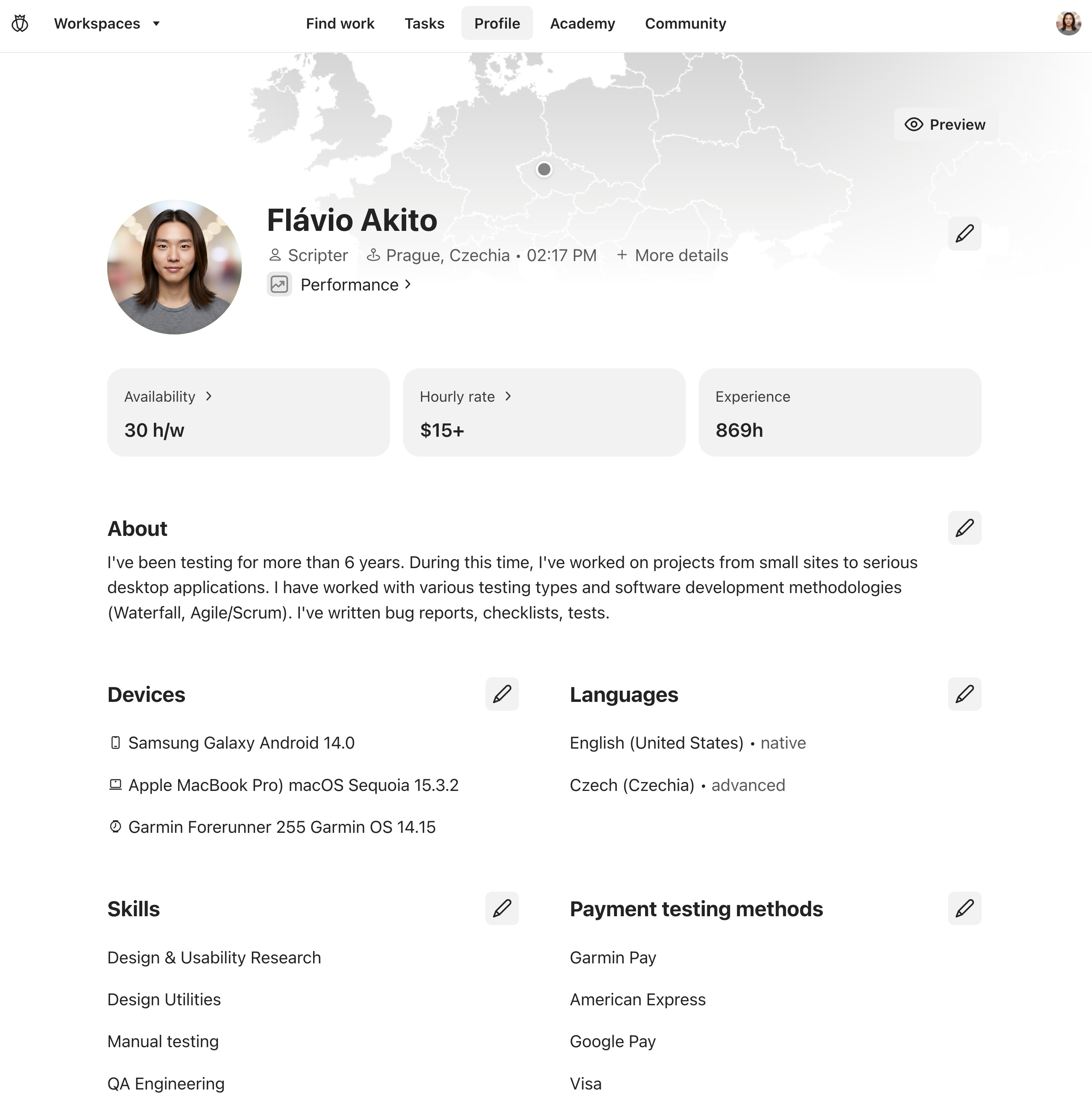
Increase your chances of being added to appropriate workspaces by adding your devices, languages, skills (see testing types), payment types, interests and more. Click ✎ (Edit profile) near the information you want to edit, update the information, and save your changes.
Example Profile
#TestlioBot
Was this article helpful?
That’s Great!
Thank you for your feedback
Sorry! We couldn't be helpful
Thank you for your feedback
Feedback sent
We appreciate your effort and will try to fix the article