TABLE OF CONTENTS
The Testlio CLI is a command-line interface to interact with the Testlio platform, allowing you to create and schedule automated tests and retrieve their results.
Get the Testlio CLI as an NPM package.
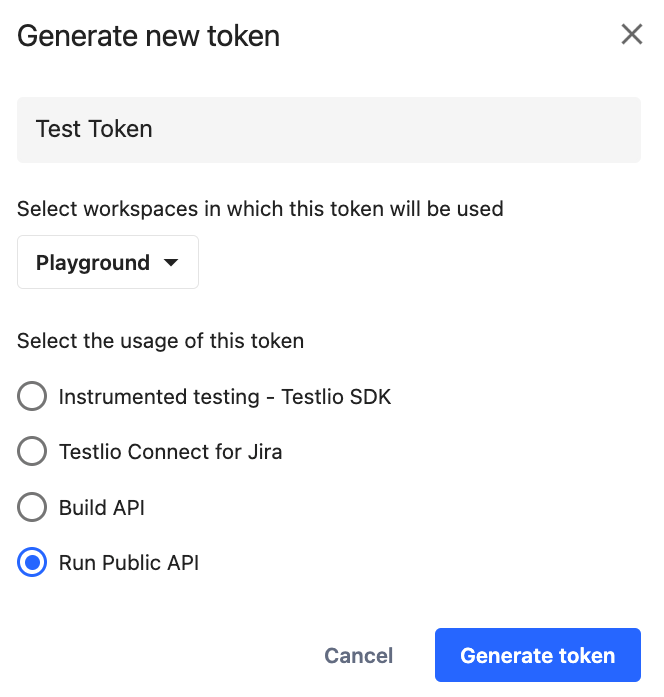
To get a token to use with the CLI, follow these steps:
Click your avatar > Token management.
Click Generate new token.
Enter a name for the token.
Select the workspace the token is valid for.
Select Run Public API.
Click Generate token.
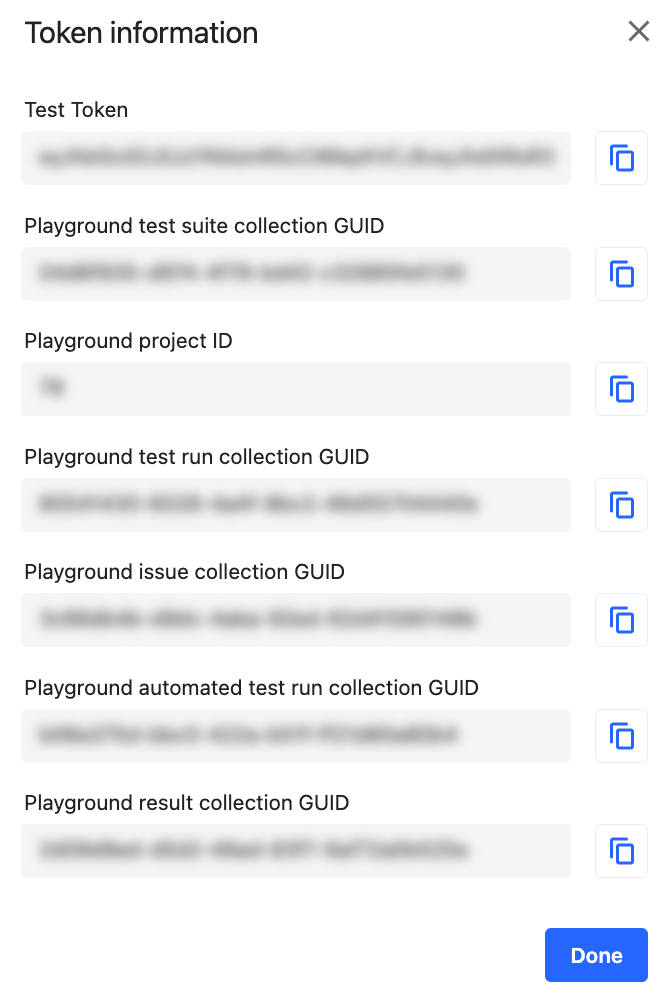
If you don’t have access to Testlio platform or token management, ask your contact person for details.
Related articles
Was this article helpful?
That’s Great!
Thank you for your feedback
Sorry! We couldn't be helpful
Thank you for your feedback
Feedback sent
We appreciate your effort and will try to fix the article